
Start here
This guide walks through the admin console of eCandle Grow, page by page, with screenshots from a demo company. Partner companies use it to run their own power business on eCandle devices.
In the admin console you run your own power business: your devices, your operators, the payment plans you sell, and the money your customers pay. You see only your company's data, and customers' payments go straight to your own wallet.
eCandle supplies and sets up the devices, keeps the platform running, and holds the device keys, so nobody can give out free power by copying a key.
Sign in#
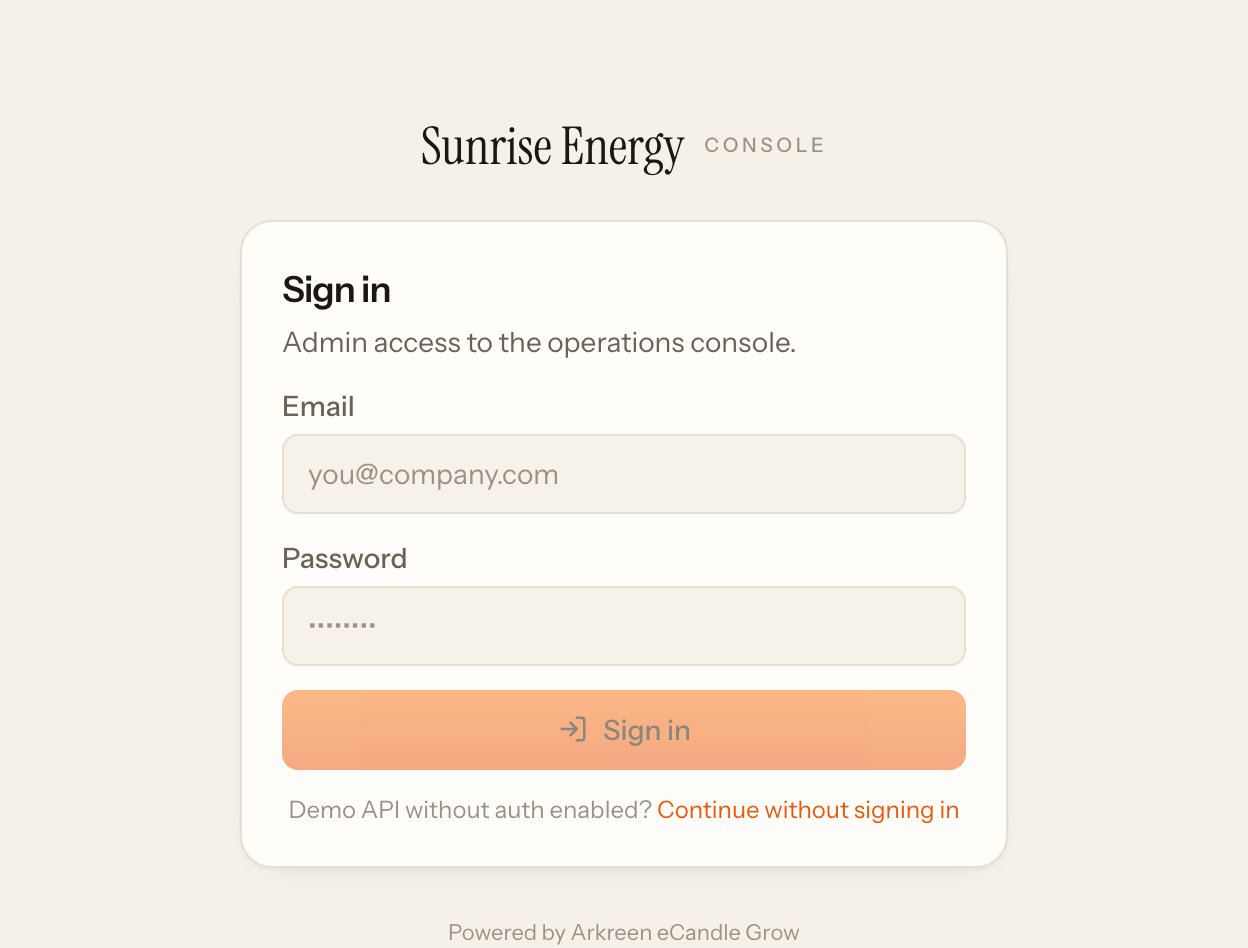
- Go to ecandle-grow.arkreen.com/signin, type your company address and click Admin console. Your address ends in .ecandle-grow.arkreen.com and is in your welcome email.#
- The first time, click Set your password in the welcome email and choose a password of at least 8 characters. The link works once, for 7 days.#
- Type your email and password and click Sign in.#
Turn on two-step sign-in straight away. See Security.
Find your way around#
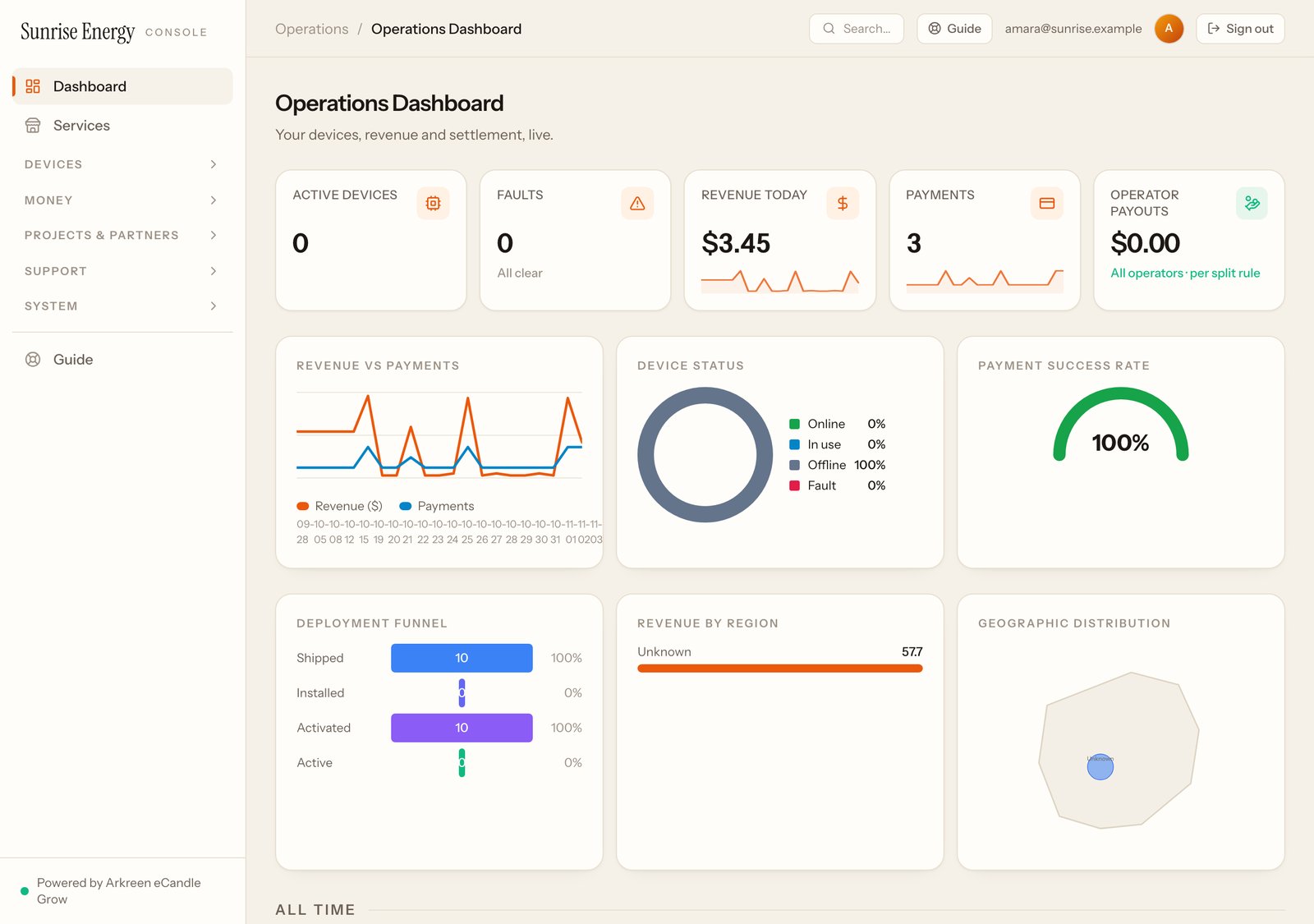
The menu on the left starts with Dashboard and Services, then groups the pages: Devices, Money, Projects & partners, Support and System. Click a group's name to open it. Guide is at the bottom of the menu and in the top bar.
Set up in this order#
- Check your devices are listed under Devices. See Devices and stickers.#
- Add your operators and give each a login. See Operators.#
- Choose what you sell and set your prices under Services. See Services.#
- Set each device to how it is sold, and print its QR sticker.#
- Make a small test payment yourself. See Getting paid.#
Pages in this guide#
| Page | What you do there |
|---|---|
| Services# | Choose what you sell from 20 ready-made services and set your prices |
| Cash services and packs# | Services sold for cash, packs, and the cash your staff hand in |
| Rentals, bookings and swaps# | Rent devices, take bookings, run a swap station, backup cover |
| Organisations, sponsors and co-funding# | Schools, co-ops, chains, sponsors and funding partners |
| Devices and stickers# | See your devices, choose how each is sold, print QR stickers |
| Operators# | Add operators, give them a login, set cash limits |
| Payment plans# | Prepaid, rental, pay-to-own and rent-then-buy plans |
| Getting paid# | How customers pay, where the money goes, every payment |
| Problem reports# | Customers' reports and fix-it articles |
| Security# | Two-step sign-in and who changed what |
Your operators#
Your operators and their staff use a separate console made for phones. See the operator guide.
Not a partner yet?#
Tell us about your market and we'll set up your space. Already a partner? Write to your eCandle contact for anything this guide doesn't answer.