
Security
Two-step sign-in#
Two-step sign-in asks for a code from your phone after your password, so a stolen password alone can't open your console.
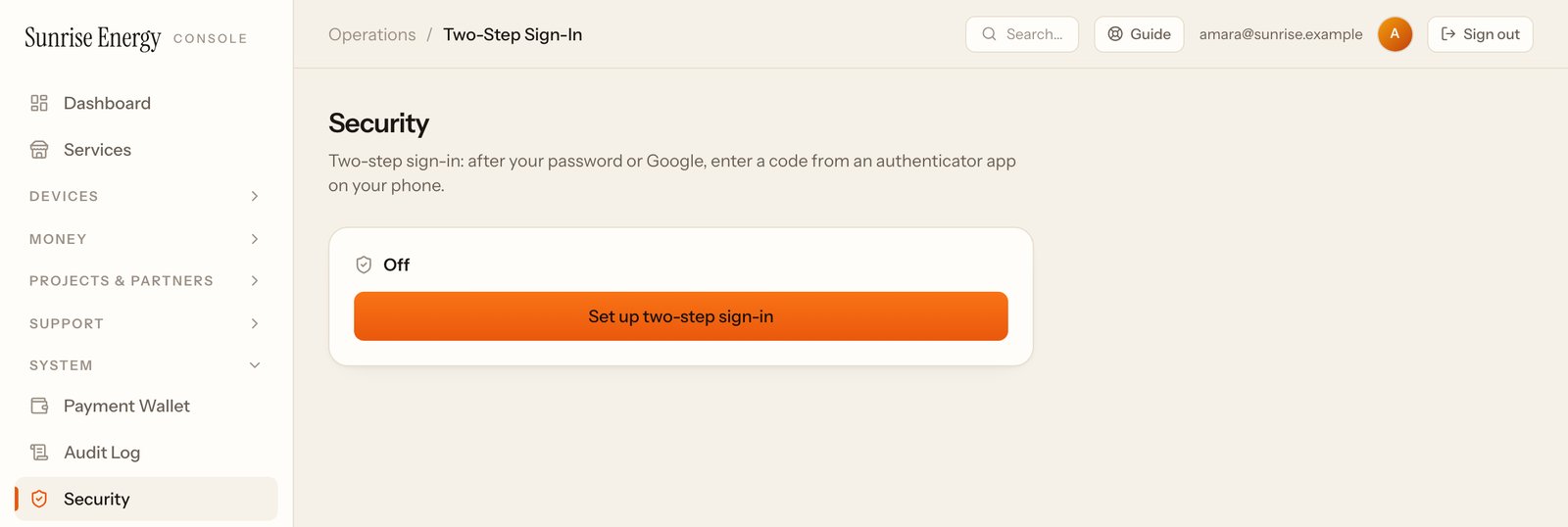
- Open System → Security and click Set up two-step sign-in.#
- Scan the QR code with an authenticator app, such as Google Authenticator or Microsoft Authenticator.#
- Type the 6-digit code to confirm.#
- Save the recovery codes somewhere safe. Each one works once, if you lose your phone.#
Changing the payment wallet also asks for a code from your phone, so turn this on before you need to change it.
Audit log#
System → Audit log records who changed what, when, and the reason they gave. Use it to check changes to operators, devices, plans and money.