
Tasks
Give your team jobs with a due date and see when they're done. The owner gives tasks; everyone sees their own.
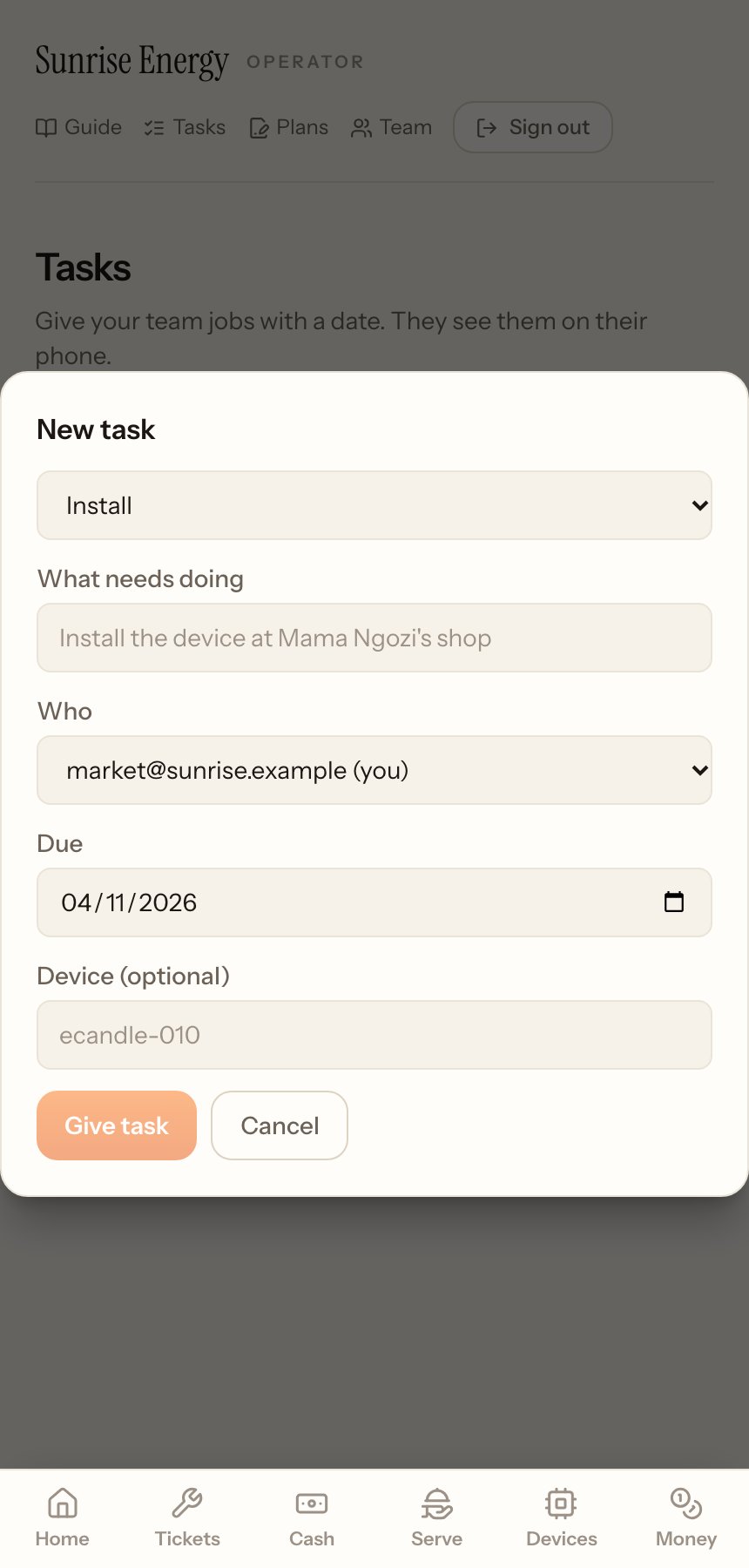
Give a task#
- Tap New task.#
- Pick the kind, write What needs doing, pick Who and the Due date, and add a device if it's about one.#
- Tap Give task.#
The person sees it on their Tasks page. When it's done they tap Done, write what they did and tap Mark done. Late payments on payment plans and devices to collect at the end of a rental also show up here as tasks for the owner.