
Care plans and backup cover
Two monthly services are sold from Care and cover on Serve. Customers pay a month or more at a time, in cash.
- Care plan: repairs and service for a device the customer bought. If they stop paying, the device keeps working.#
- Backup cover: backup power for a customer's loads, for example a clinic's fridge and lights. When the power goes, you respond and can lend a spare device.#
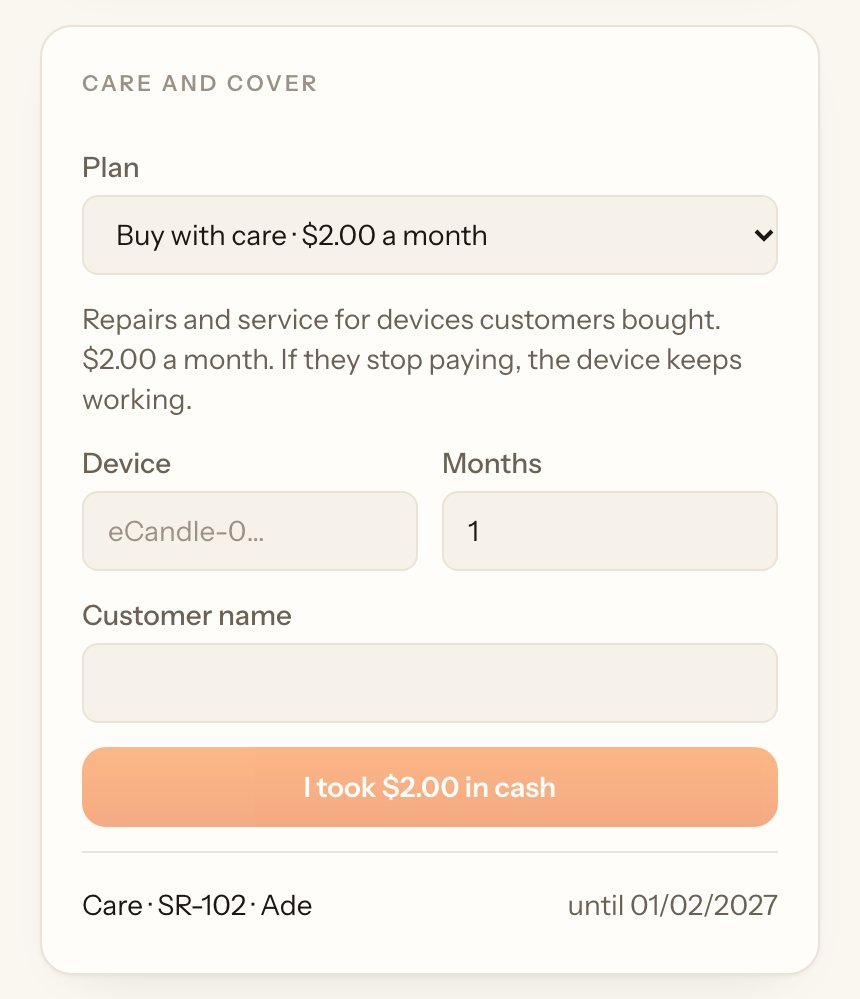
Sell or renew#
- Under Care and cover, pick the Plan.#
- For a care plan, type the Device and the customer's name. For backup cover, pick New customer and type their name, Where and What it keeps on, or pick an existing customer to renew.#
- Type the Months, take the cash and tap I took $… in cash.#
The list at the bottom shows each plan and the date it's paid until. Paying again adds the months on to the end.
Call-outs#
When a customer with a paid-up plan reports a problem:
- Under Call-outs, pick them in Customer reports a problem, write What's wrong and tap Open call-out.#
- When you go there, tap Respond and I'm on it. For backup cover you can lend a spare device; it turns on for the hours your company set.#
- When it's sorted, tap Resolve, write What was done and tap Resolved. Take the spare device back under Out with customers.#
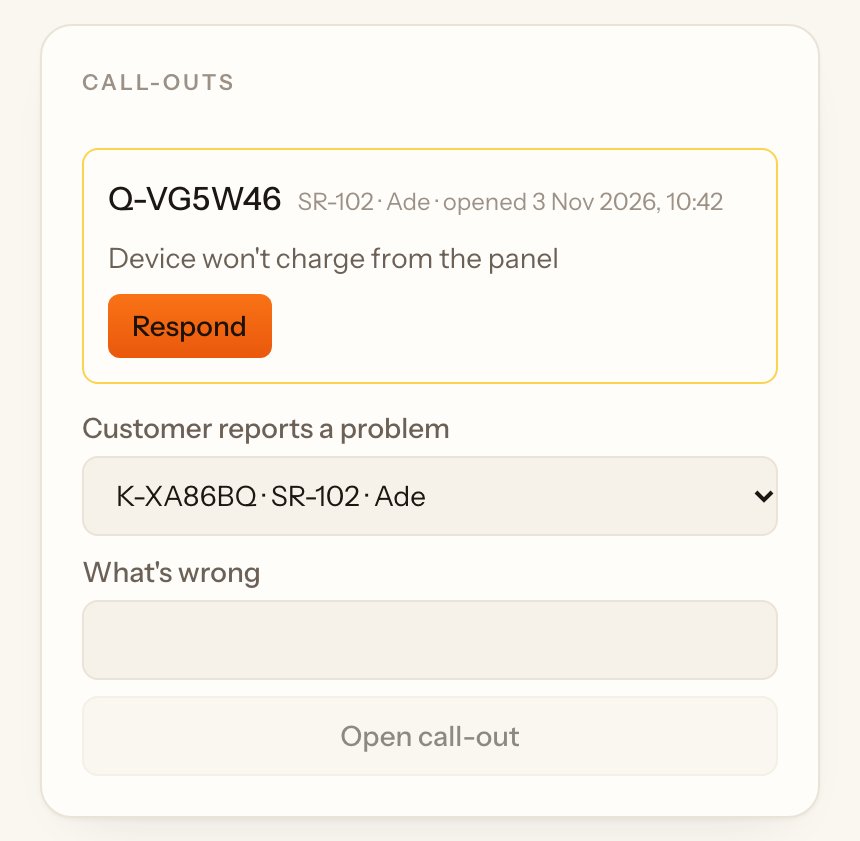
Your company promises a response time. If you respond later than that, the customer's plan gets extra days for free, and the page tells you so. Backup cover includes a set number of call-outs a month.