
Devices
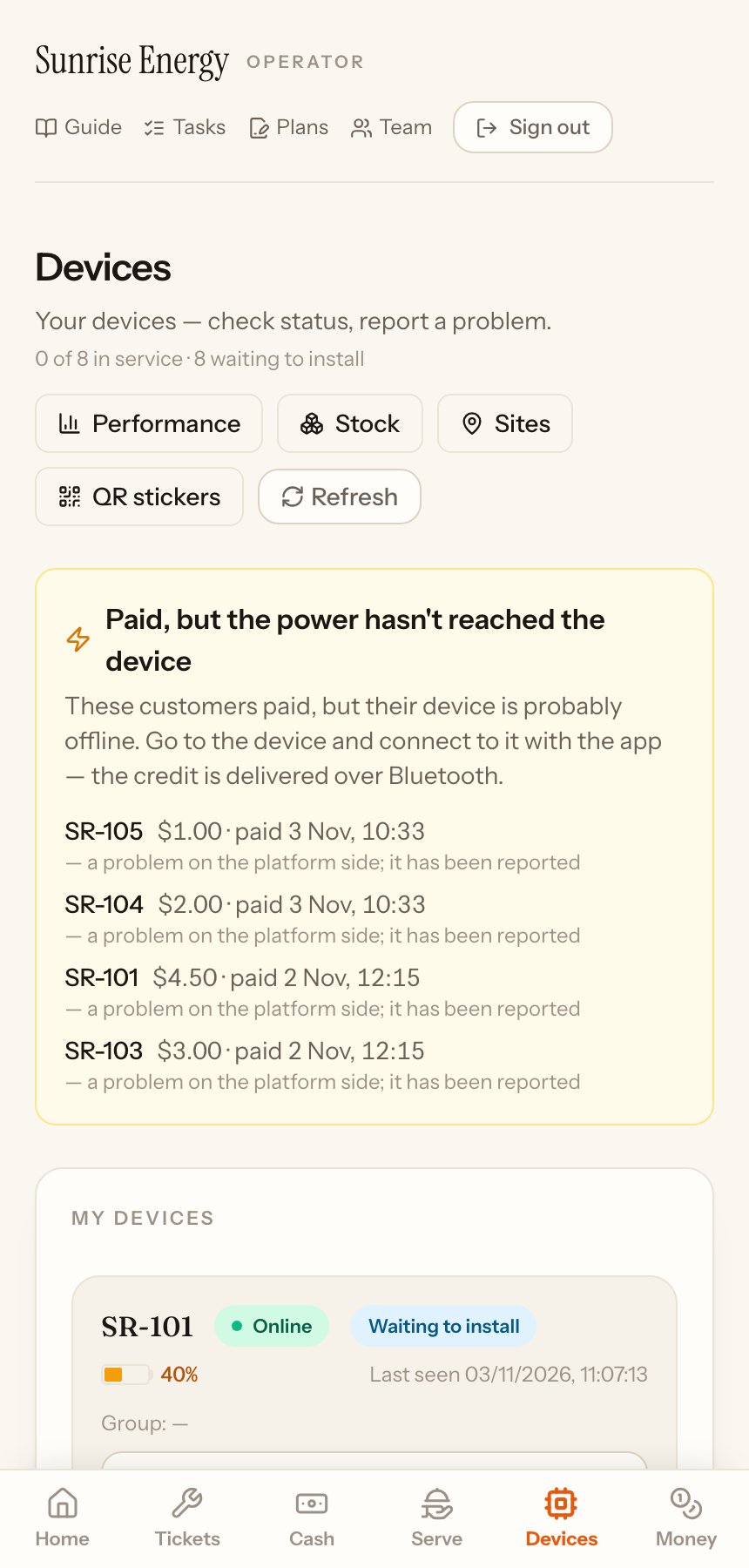
Devices lists every device at your site, with its status, battery and when it last reported. Everyone on the team can open it.
Check a device#
Each device shows whether it's Online, its battery and when it was last seen.
- Live status: the device's readings right now: power in and out, battery health, the paid time left and its signal.#
- Status & history: what happened to the device, such as installed, sent for repair or returned.#
- Report a problem: pick what is wrong, tell us more if you like, and send. It becomes a ticket.#
A yellow box at the top lists customers who paid but whose device hasn't received the power yet, usually because it is offline. Go to the device and connect it, and the power goes through.
The buttons at the top open Performance (which devices earn, for the owner), Stock, Sites and QR stickers to print a sticker for each device.