
Cash collect
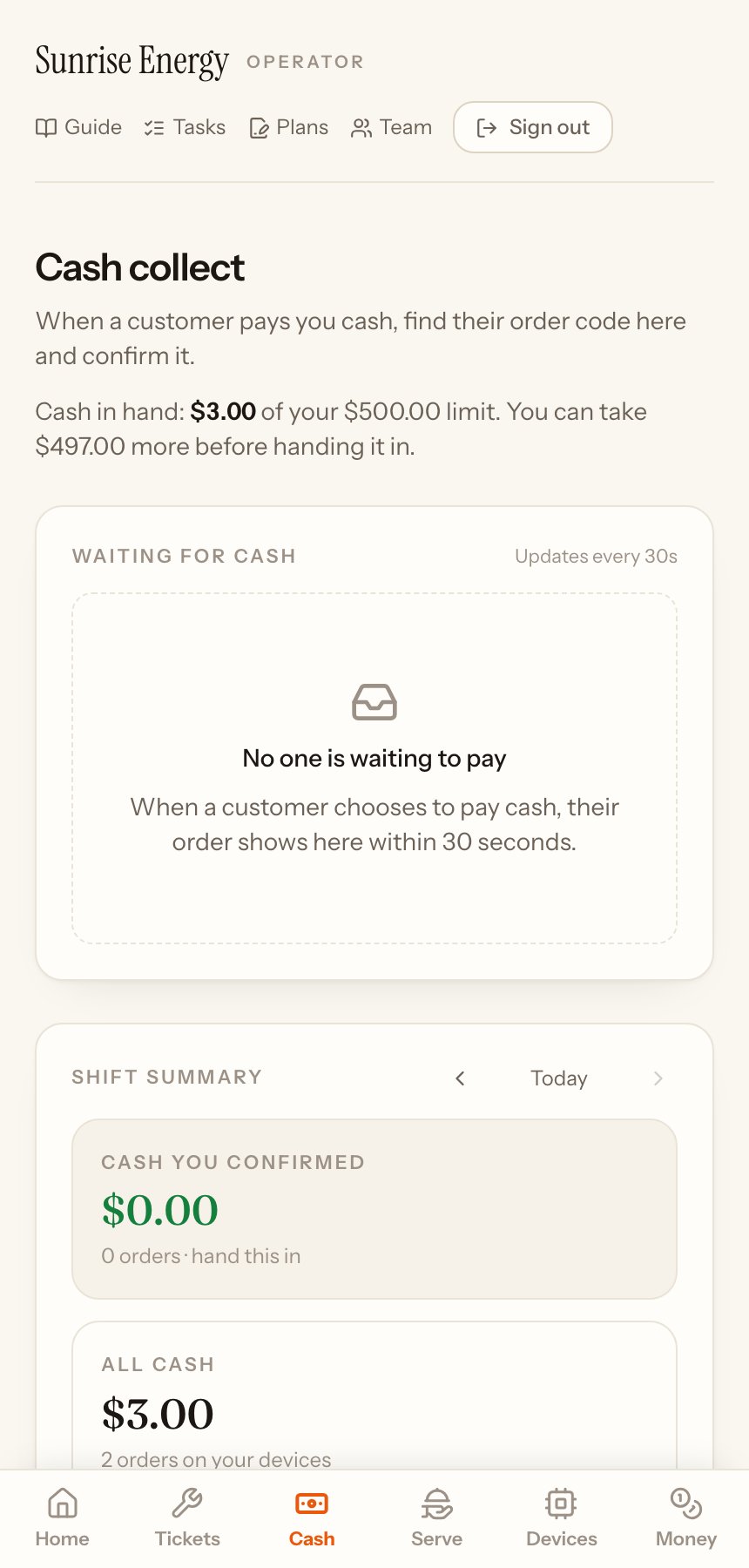
When a customer scans a device's QR sticker and chooses to pay you in cash for power, confirm it here and their device turns on. Owners and cash collectors use this page.
Take a cash payment#
- The customer's order shows under Waiting for cash within 30 seconds.#
- Ask for their order code and find it in the list.#
- Take the cash, tap I received the cash, check the amount and tap Yes, I received $…. The power starts.#
- If you have a receipt, add a photo of it. It is optional.#
Confirm only cash you are holding. A confirmation can't be undone.
Your cash limit#
The line under the title shows the cash you hold and your limit, for example $3.00 of your $500.00 limit. When you reach the limit, you can't take more cash until you hand it in. Your company sets the limit. Rent for rentals and swaps counts towards it too.
Shift summary#
At the bottom you see the day's cash. Use the arrows to look at earlier days.