
Rentals, bookings and swaps
Whole devices go out to customers from Serve. The device turns on by itself for the time paid and turns off when it ends. Only devices your company set up for rentals show in the lists, and a device that is out or booked can't go to anyone else at the same time.
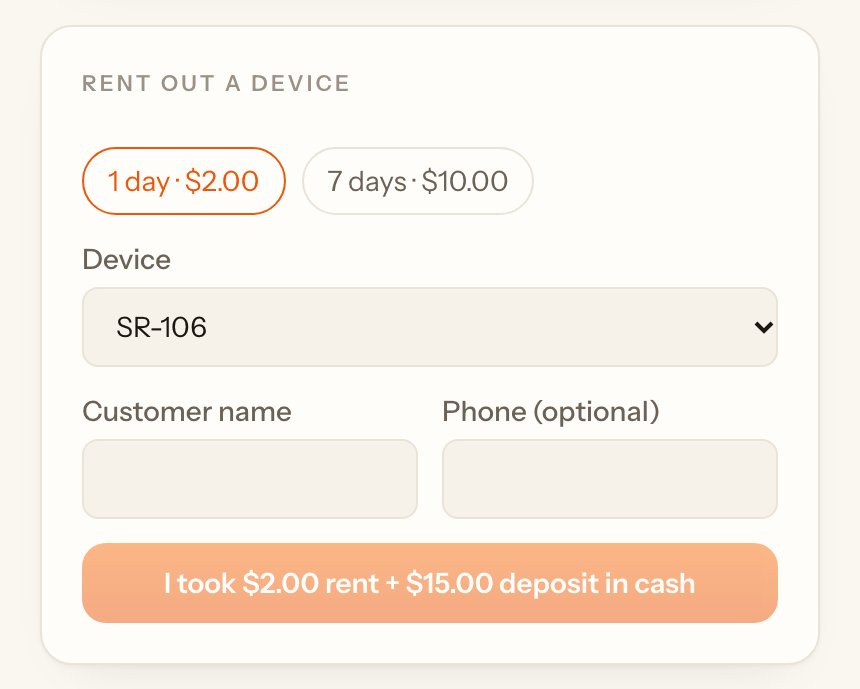
Rent out a device#
- Under Rent out a device, tap the length, for example 1 day · $2.00.#
- Pick the Device and type the customer's name and phone.#
- Take the rent and the deposit and tap I took $… rent + $… deposit in cash. The device turns on within a minute.#
Devices out with customers#
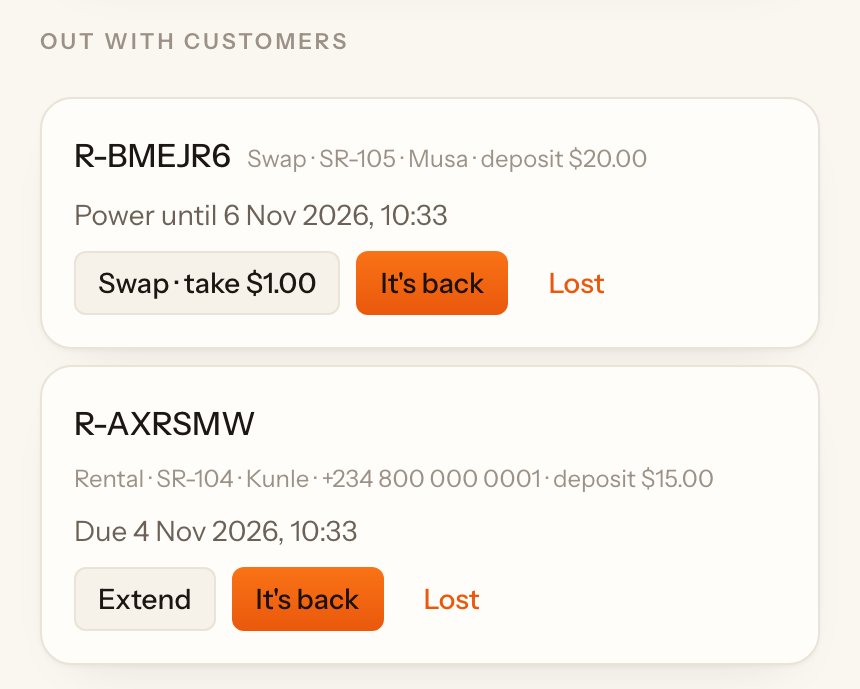
Out with customers lists every device that is out, with its due time. A Late tag shows when it's past due.
- Extend: pick how long, take the cash and tap I took the cash. The new time adds on to the end.#
- It's back: write anything wrong with it and tap Confirm. Give the deposit back. The time left on the device is wiped, so the next customer gets only what they pay for.#
- Lost: the owner writes what happened and taps Mark lost. The deposit is kept.#
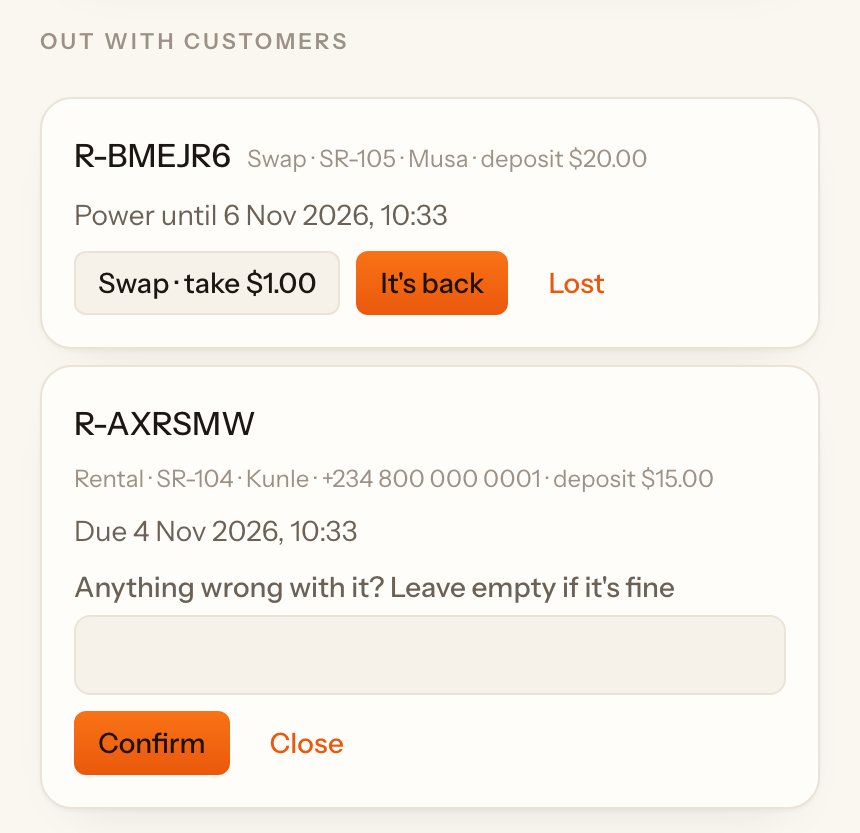
Only the owner can keep part of a deposit for damage, with a reason.
Device with appliances#
If your company rents a device with a kit, for example 3 bulbs and a fan, the box lists what to hand over. When it comes back, count each appliance under Came back and Damaged. The page shows the charge for anything missing or damaged, which comes off the deposit. Only the owner can confirm that.
Return at another site#
If your company lets customers return at any site, staff there use Return from another site: type the rental number (R-…), tap Find, then It's back.
Book a device for a date#
- Under Book a device, tap the length and pick the Device. Times already taken show under it.#
- Pick when it Starts and type the customer's name and phone.#
- Take the booking fee and tap I took the $… booking fee in cash. Give the customer the booking number.#
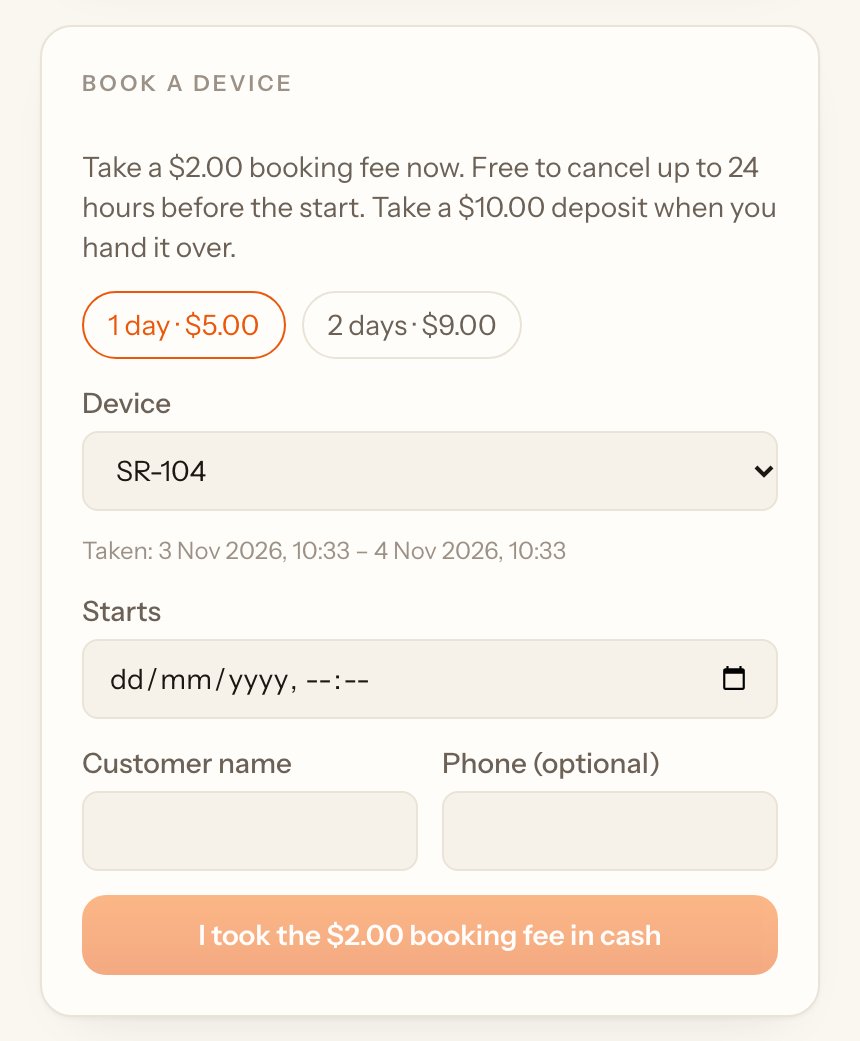
Bookings wait under Booked. From 2 hours before the start, tap Hand over · take $… + $… deposit: take the rest of the price and the deposit, and the device turns on.
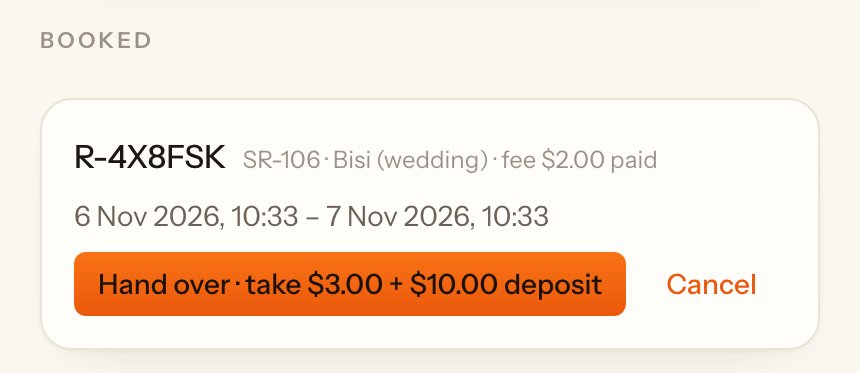
To cancel, tap Cancel and write why. Cancelled in time, give the booking fee back. Cancelled late, or if the customer didn't come, the fee is kept; only the owner can tick Refund the booking fee anyway.
Swap for a full one#
A swap customer always has one charged device and swaps it when it runs low.
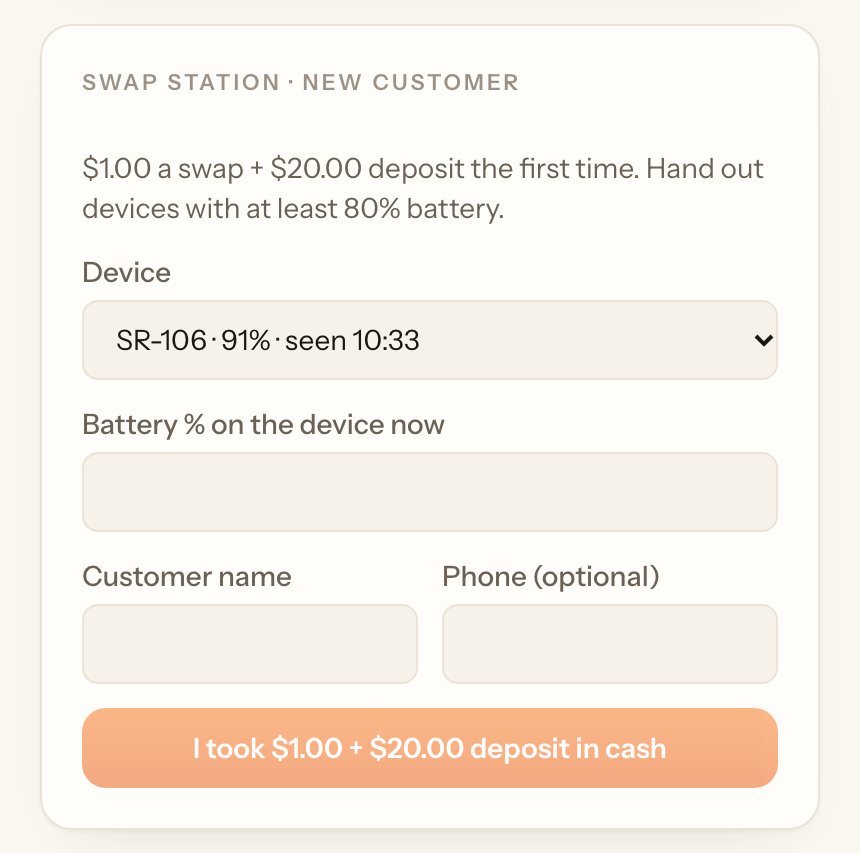
- The first time, under … · new customer, pick a device (the list shows each one's battery), type the battery % the device shows, the customer's name and phone.#
- Take the swap fee and the deposit and tap I took $… + $… deposit in cash.#
When they come back, find them under Out with customers and tap Swap · take $…. Write anything wrong with the one they brought back, pick a charged device, type its battery % and tap I took $… in cash. The deposit stays with the new device.
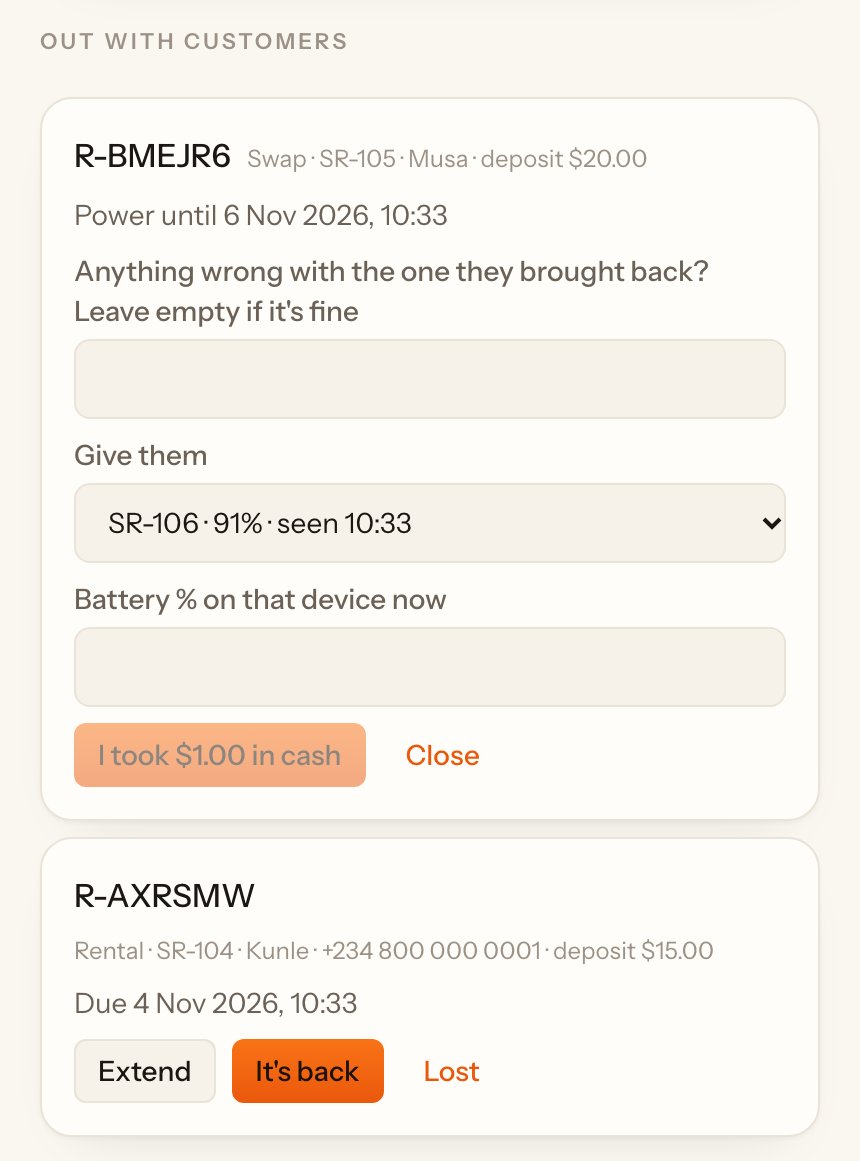
You can't hand out a device below the lowest battery your company set, or one that last reported less.
Lend to members of a group#
If a co-op or school buys loans for its members:
Each member borrows one device at a time, up to a set number of times a month. If no device is free, tap Put in queue. The queue shows who's next; tap Lend when a device comes back, or Remove.